Clear sound and smooth video make every online meeting feel natural. The Owl Bar from Owl Labs shines when it can find and follow the person talking. A few small steps before each call can help the device do its best work. This guide shares simple tips anyone can try at home or in the office. Follow them; you will enjoy stress-free meetings with sharp views and clear voices.
Pick the Right Room Layout
A tidy room helps the Owl Bar track the right face and voice. Place seats so everyone faces the camera, and avoid lining people along a single wall. Leave a little space between chairs so the device can tell one speaker from another. Keep the main walkway clear, or the camera might lock onto someone only passing by. When the room feels open, tracking errors drop right away.
Place Owl Bar at Eye Level
Mount the Owl Bar close to eye level for seated folks. When the camera and mics are too high or low, they pick up room noise or odd angles. A simple shelf or small wall mount often works fine. Aim the lens straight toward the middle of the table, not the ceiling or floor. This keeps faces centered and voices clear.
Keep Background Noise Low
Fans, loud air conditioners, or even hallway chatter can fool the mics. Close doors during calls and lower any music or TV in the next room. Point it away from the camera if you cannot quiet a fan. A silent space lets the Owl Bar lock onto the real speaker the first time. Fewer wrong moves mean smoother talks for everyone.
Update Software Often
The team at Owl Labs sends updates that fine-tune how the Owl Bar sees and hears. Connect the bar to the internet and check for new firmware every month. Updates fix small bugs and add better tracking tools. The process is quick—just follow the pop-up steps on your laptop or phone. Staying current keeps the device sharp and reliable.
Use Simple, Even Lighting
Bright spots and dark corners can confuse a camera. Turn on ceiling lights, or place two small lamps on each side of the room. If sunlight pours in from one window, close the shade halfway so the light spreads out. Good lighting makes faces clear, helping the Owl Bar jump to the active speaker faster. Plus, remote viewers will see everyone’s expressions without strain.
Test with Short Meetings First
Before a big call, gather two or three teammates for a quick practice session. Speak one at a time, then overlap sentences on purpose to see how the bar reacts. Adjust seat spacing or reduce echo with small wall panels if you notice slow moves or mix-ups. These five-minute tests save time later and build trust in the gear.
Pair with Meeting Owl for Large Rooms
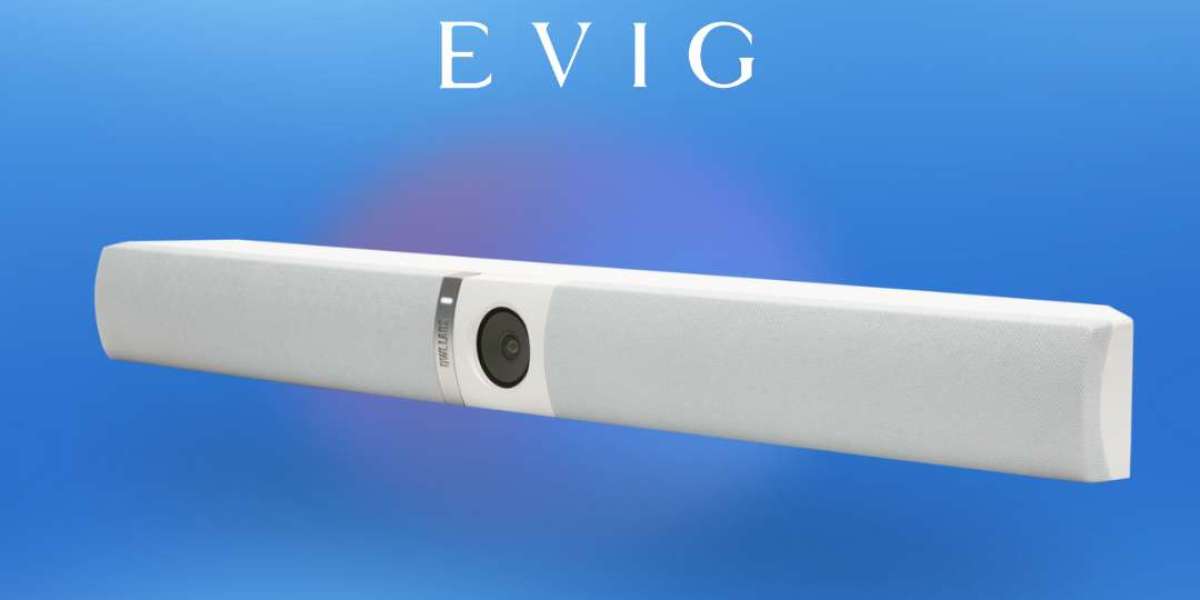
Link the Owl Bar with a Meeting Owl 3 or 4+ for long tables or wide classrooms. The front camera catches speakers at the head of the table while the 360-degree unit covers everyone else. This tag-team action lets both devices hand off tracking without gaps. Just follow the easy pair-up steps in the Owl app, and you are ready for bigger groups.
Get Local Help from Evig
Need extra tips or a clean install? Evig, AV solutions company in Dubai is ready to assist. Their team knows the Owl Bar inside and out and can suggest mounts, cables, and room tweaks that match your budget.
When you buy through Evig, AV solutions company in Dubai, you also get local support for firmware updates and quick repairs. Choosing Evig means less worry and more time focusing on your meetings.
Wrap-Up
Clear voice tracking does not need fancy tricks. A neat room, eye-level camera, quiet background, and fresh software are often all you need. If you add fair lighting, conduct quick tests, and pair with extra gear for larger spaces, your Owl Bar will seamlessly follow every speaker.
With help from Evig, AV solutions company in Dubai, setting up and keeping things smooth is easier than ever. Try these steps today and enjoy meetings where every voice is heard and every face is seen—just how it should be.